BH
Welcome to Blooket Hacker
Your ultimate companion for enhanced gameplay
Get ready to supercharge your Blooket sessions with transparent tools and helpful overlays. Follow the simple steps below to get started.
How to Use the Extension
- Pin the Extension: Click the puzzle icon 🧩 in the top right of your browser and click the pin icon next to "Blooket Hacker" for easy access.
- Join a Game: Navigate to Blooket and join a live game or open a set.
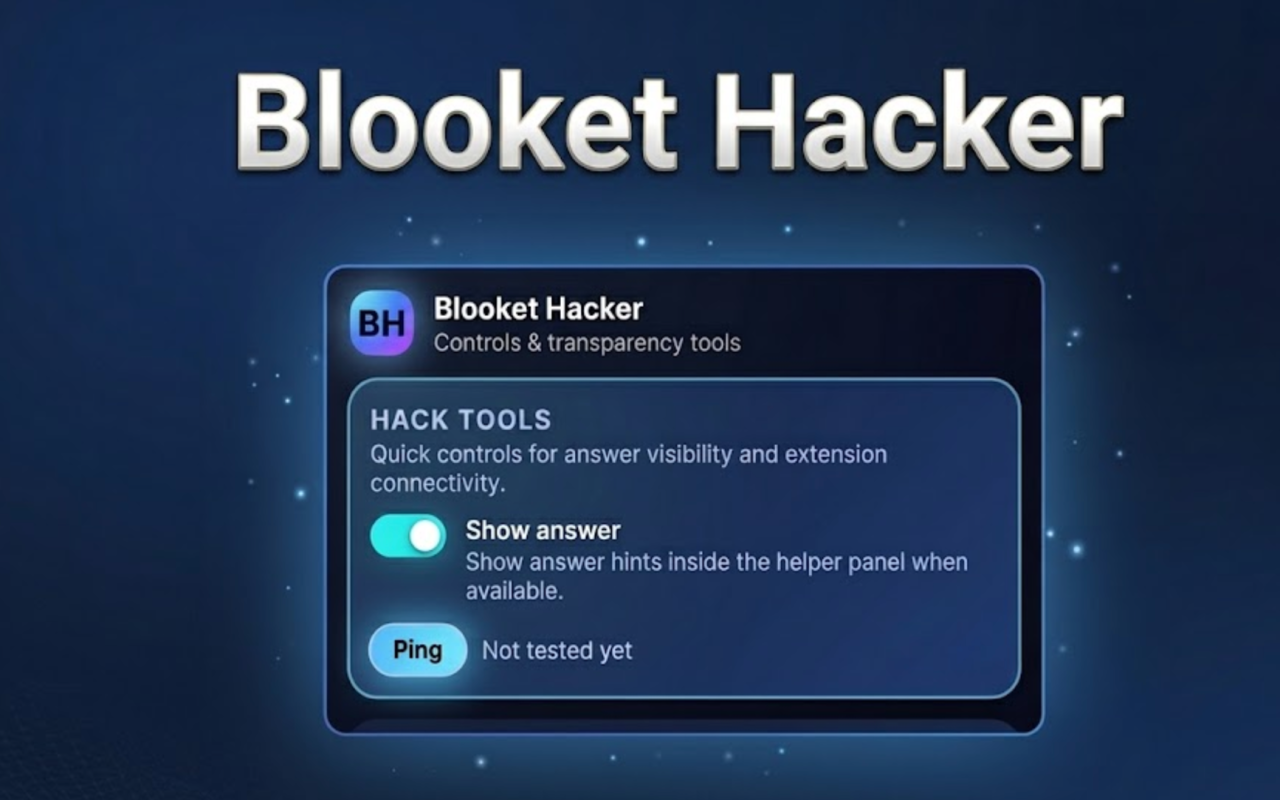
- Open the Popup Menu: Click the BH logo in your browser's toolbar. From here, you can toggle features like "Show answer", "Safe mode", and the "Global helper panel".
- Use the On-Screen Widget: When playing, the Blooket Helper panel will appear on your screen. You can use it to track session insights, highlight questions with a bright yellow outline, or toggle focus mode to dim distractions.